
Table of Contents
The creator stack has changed
The best AI tools for content creators have rewritten the rules in 2026: a single creator can now run what used to require a full production team — cinematic video clips, studio-quality voiceovers, on-camera presenters who never existed, and thumbnails designed to win the click. The tools below are the five that matter most — picked for output quality, honest pricing, and features built specifically for creators publishing on YouTube, TikTok, and Instagram.
How we compared
We ranked the best AI tools for content creators using their official pricing pages and documentation (checked October 2026), scoring them on output quality, value for money, the generosity of the free tier, and creator-specific features like captions, repurposing, and commercial licenses. Prices change often — treat the figures below as a snapshot, not a quote.
The 5 best AI tools for content creators in 2026 — at a glance
| Tool | Best for | Free plan | Starts at |
|---|---|---|---|
| Kling AI | AI video generation | Daily credits | $10/mo |
| CapCut | Free video editing | Very generous | Free |
| ElevenLabs | AI voiceovers | 10 min/month | $6/mo |
| HeyGen | AI avatars & faceless video | 3 videos/month | ~$24/mo |
| Midjourney | Thumbnails & artwork | No free tier | $10/mo |
1. Kling AI — best for AI video generation
Kling AI is currently the benchmark for text-to-video and image-to-video generation. The October 2026 release of Kling 4.0 pushed single clips to 30 seconds at up to 4K resolution, with multi-keyframe control that keeps characters and scenes consistent — the thing that used to make AI video look obviously fake.
Key features: text-to-video, image-to-video, 4K output, up to 10 keyframes per clip, strong motion realism, top-ranked on independent video benchmarks.
Pricing: free daily credits (watermarked); Standard $10/mo, Pro $37/mo, Premier $92/mo, Ultra $180/mo.
Best for: creators who need cinematic B-roll, intros, or full AI-generated shorts. If you make faceless YouTube videos, this is your footage department.
2. CapCut — best free video editor
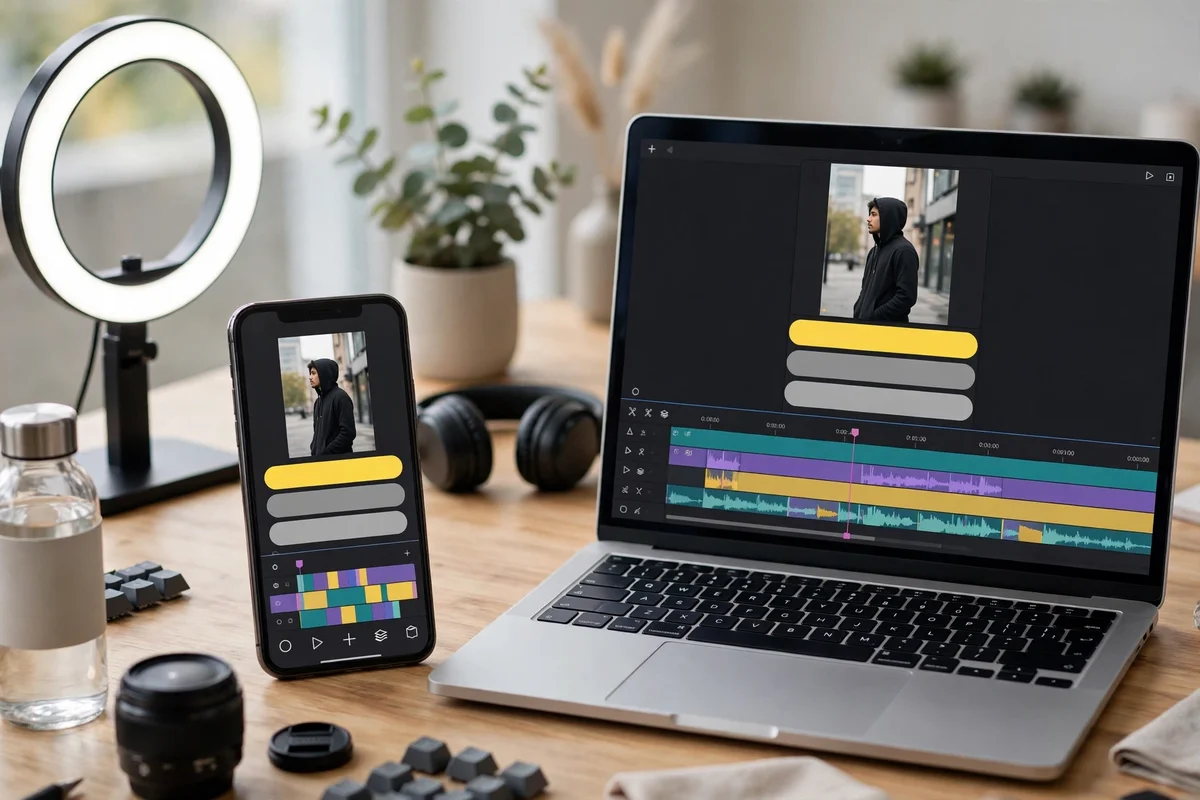
CapCut remains the default editor for short-form creators, and its free tier is still the most generous in the industry: the full editor, 1080p export, AI captions, effects, and templates cost nothing. The 2026 pricing restructure added a Pro tier ($19.99/mo) with 4K export and the complete AI toolkit, but most creators never need to pay.
Key features: AI auto-captions, templates, effects library, mobile + desktop sync, direct publishing to TikTok/Reels/Shorts.
Pricing: free (very capable); Pro $19.99/mo for 4K and the full AI toolkit.
Best for: every creator editing vertical video. Pair it with the voiceovers from tool #3 and you have a complete social media content pipeline for free.
3. ElevenLabs — best for AI voiceovers
ElevenLabs produces the most realistic AI narration available — the gap between its voices and a recorded human is now small enough that most viewers never notice. It supports 32+ languages, instant voice cloning, and professional-grade cloning for creators who want the AI to sound like them.
Key features: ultra-realistic text-to-speech, voice cloning, 32+ languages, commercial license from the $6/mo Starter plan.
Pricing: free 10 minutes/month (non-commercial); Starter $6/mo (~30 min, commercial use), Creator $22/mo (~2 hrs), Pro $99/mo.
Best for: narration for YouTube videos, shorts, and courses. See our broader picks for AI tools for YouTube creators to build the full workflow around it.
4. HeyGen — best for AI avatars and faceless video
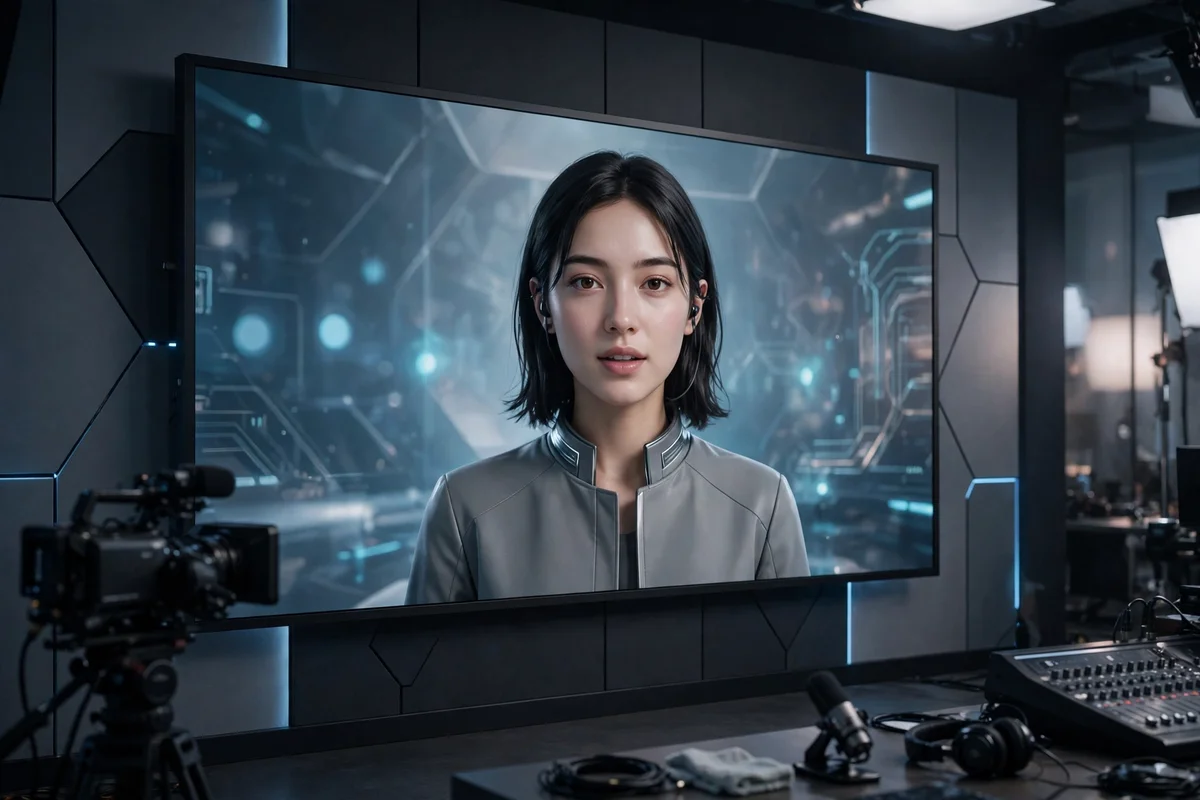
HeyGen turns a script into a talking-head video with a realistic AI presenter — no camera, no filming, no retakes. With 175+ languages and voice cloning built in, one script becomes a presenter video in any market. It also plugs directly into Canva, which many creators already use.
Key features: realistic AI avatars, 175+ languages, voice cloning, script-to-video, Canva integration.
Pricing: 3 free videos/month; Creator from ~$24/mo (annual).
Best for: faceless channels, explainer videos, and UGC-style ads. For the full faceless playbook, see the faceless AI channels actually making money and the tools behind them.
5. Midjourney — best for thumbnails and artwork
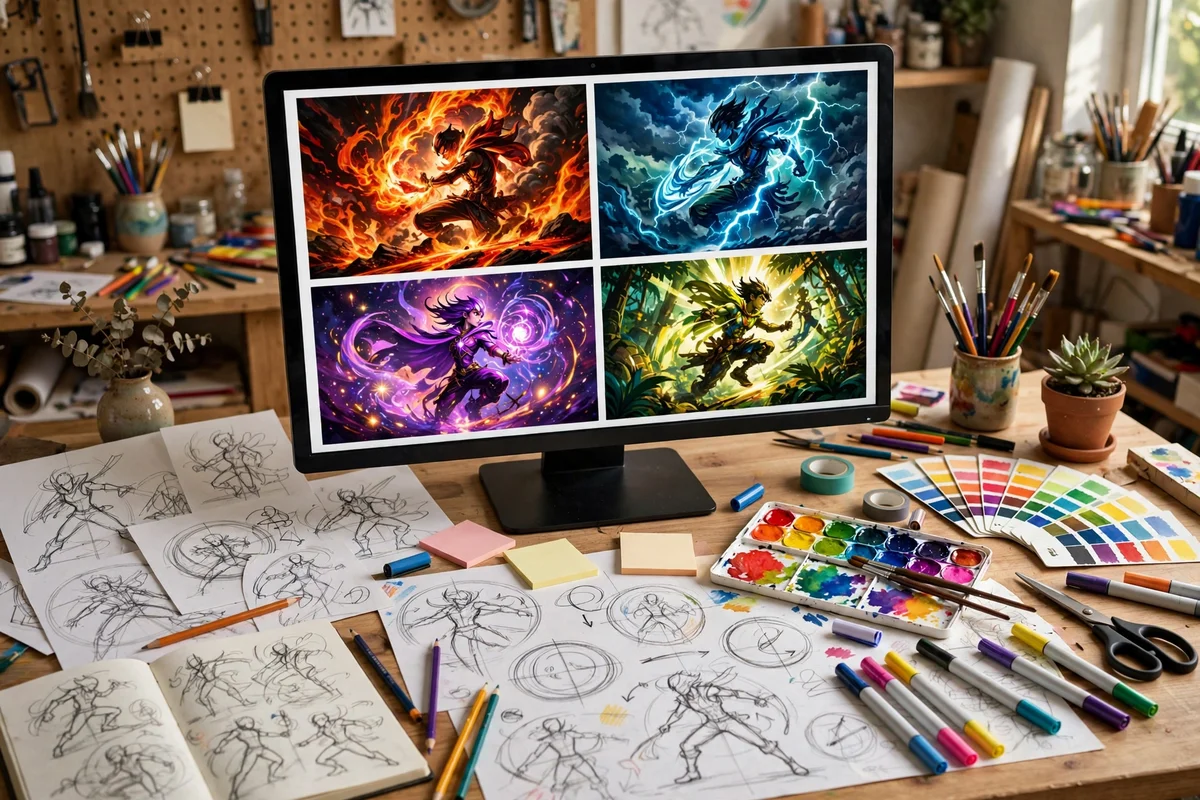
Thumbnails decide clicks, and Midjourney still produces the most striking ones — bold compositions, dramatic lighting, and styles that stop the scroll. There is no free tier (there hasn’t been since 2023), but the $10/mo Basic plan generates around 200 images a month: a year of thumbnails for the price of two coffees.
Key features: best-in-class image aesthetics, web app, style control, ~200 images/month on Basic.
Pricing: Basic $10/mo, Standard $30/mo, Pro $60/mo, Mega $120/mo (annual billing saves 20%).
Best for: YouTube thumbnails, channel art, and ad creatives. Compare it with the other top options in our best AI image generators roundup.
How the five fit together: a one-person workflow
The real power is the stack, not any single tool. A proven 2026 workflow built on the best AI tools for content creators looks like this:
- Script — draft with ChatGPT or Claude.
- Voice — narrate it with ElevenLabs (or clone your own voice once, use it forever).
- Footage — generate cinematic clips with Kling AI, or present faceless with a HeyGen avatar.
- Edit — assemble everything in CapCut, add AI captions, export vertical.
- Thumbnail — design the click-winner in Midjourney.
Total software cost: as low as $0 (CapCut + free tiers) or around $40–60/month for the full professional stack — less than one sponsored post usually pays.
FAQ
What is the best free AI tool for content creators?
CapCut. Its free tier includes the full editor, AI captions, and 1080p export with no watermark — enough to run an entire short-form channel without paying anything.
Can I create content without showing my face?
Yes — with the best AI tools for content creators you can stay fully faceless: combine HeyGen’s AI avatars (or Kling AI footage) with ElevenLabs voiceovers. This is exactly how the channels in our faceless AI YouTube channels roundup operate.
How much does a full AI creator stack cost in 2026?
Between $0 (free tiers only) and roughly $40–60/month for paid plans of Kling AI, ElevenLabs, HeyGen, and Midjourney alongside free CapCut. Start free, upgrade the tool that bottlenecks you first.
Which AI video generator is best in 2026?
Kling AI (4.0) currently leads on quality per dollar for creators, with Runway’s Gen-4.5 close behind for commercial work. Note that OpenAI shut down Sora 2 in September 2026, so older “best of” lists recommending it are outdated.
The bottom line
You don’t need eight subscriptions and you don’t need a team. These five best AI tools for content creators — Kling AI, CapCut, ElevenLabs, HeyGen, and Midjourney — cover the entire journey from script to published video with a thumbnail built to win the click. Start with the free tiers, find your format, and scale the stack as the revenue follows.