
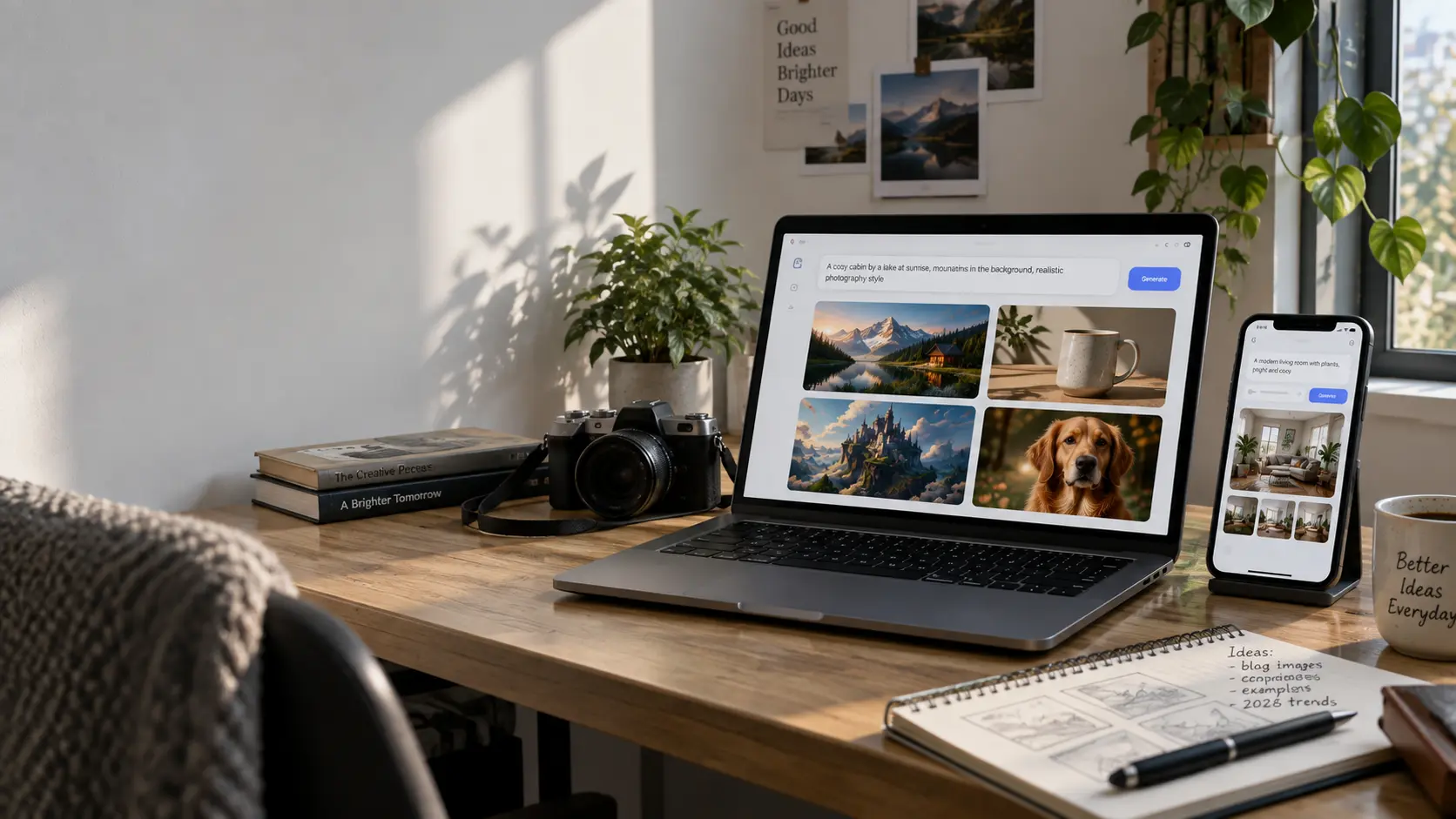
Create AI images without creating an account, sharing an email address, or connecting a social-media profile.
Finding an AI image generator no sign up can save time when you need a quick visual concept, a mood-board image, a social-media draft, or a prompt experiment. Instead of creating an account, confirming an email address, and navigating a dashboard, these browser-based tools let you enter a prompt and start generating images immediately.
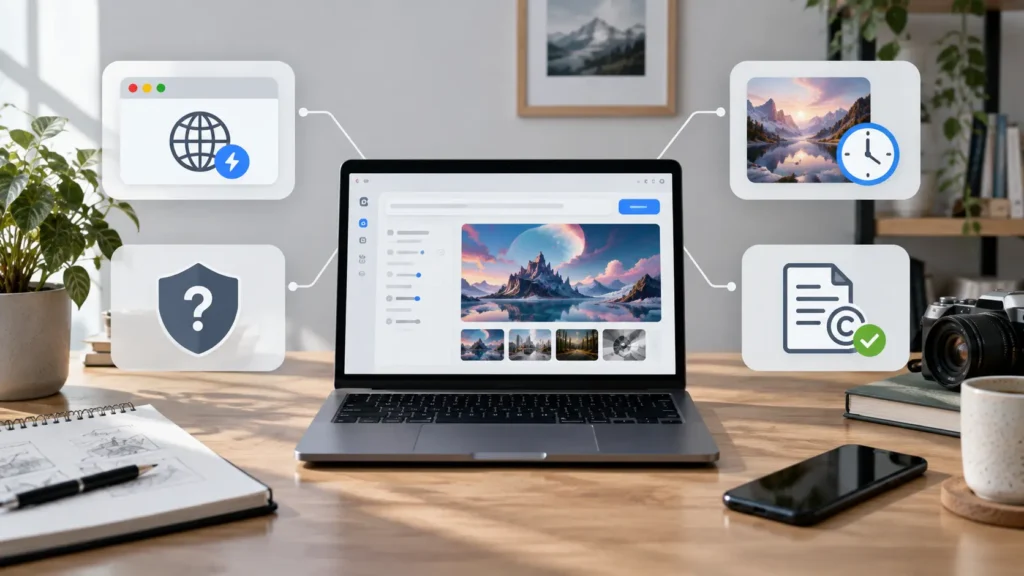
However, “no sign up” does not automatically mean private, unlimited, watermark-free, or approved for commercial use. Free guest-access tools can use advertisements, impose queues, restrict output quality, change their model access, or apply different licensing terms. Before using an image in a product listing, client campaign, advertisement, or paid project, always review the tool’s current terms.
This guide compares five AI image generators that may let users begin creating images without an account: Craiyon, Hugging Face Spaces, DeepAI, Perchance AI, and Pollinations.ai.
What Does “No Sign Up” Mean?
A no-sign-up AI image generator normally lets you start a basic generation directly in a web browser without creating a username, entering an email address, or connecting an external account.
It does not necessarily mean:
- Your prompts are anonymous.
- Your generated images are private.
- You receive unlimited generations.
- You can use every output commercially.
- The tool will remain available without an account forever.
- Every model, resolution, or editing feature is included for free.
Treat these tools as low-friction options for experimenting, brainstorming, and producing early creative concepts. For sensitive, client-facing, or high-volume production work, an account-based tool with clear commercial terms may be more suitable.
How We Evaluated These Tools
To compare no-sign-up AI image generators fairly, we focused on practical factors that matter when you want to create something quickly.
- Access friction: Can you begin generating immediately, or are you redirected to registration, an email prompt, or a long verification process?
- Prompt handling: How well does the tool respond to a descriptive prompt, style instruction, subject, lighting, and composition request?
- Output quality: Are the images useful for concept work, social posts, mockups, or visual brainstorming?
- Controls: Can you adjust aspect ratio, style, negative prompts, seed values, or resolution?
- Availability: Does the tool depend on shared queues, community hardware, ads, or unpredictable server capacity?
- Terms to check: Are watermarking, privacy, public-gallery visibility, and commercial usage rules clear?
Availability and restrictions can change quickly, especially for free AI tools. Always confirm the current terms before relying on any tool for professional work.
1. Craiyon
Best for: Fast creative ideas and simple visual brainstorming
Craiyon is one of the best-known free AI image generators that can be used without creating an account. Formerly known as DALL-E Mini, it offers a simple interface: write a prompt, choose a style direction, and generate several visual variations.
It is particularly useful when you need quick inspiration rather than final production-quality artwork. For example, you can test concepts for a blog hero image, product scene, poster direction, fantasy illustration, or social-media visual before moving to a more advanced image tool.
What Craiyon does well
- Simple text-to-image workflow.
- Multiple image variations from one prompt.
- Beginner-friendly interface.
- Useful for quick concepts and visual brainstorming.
- No-account access may be available for basic generation.
Limitations to consider
- Free generations can include ads, wait times, and lower-detail output.
- Fine text, small product labels, hands, and complex compositions may be inconsistent.
- Watermark and download rules may differ between free and paid experiences.
- Review the current commercial-use terms before using an image in a paid project.
Best use case: Generate early visual ideas quickly, then refine the best concept with a more controlled image-generation platform.
2. Hugging Face Spaces
Best for: Trying open AI image models and advanced controls
Hugging Face Spaces is not one single image generator. It is a large directory of community-built web apps, including demos based on Stable Diffusion, Flux, SDXL, and other open image models.
Some public Spaces allow visitors to generate images without signing in. Others may require an account, have a waiting queue, become unavailable when shared hardware is offline, or limit access depending on demand. Because every Space is maintained separately, the experience can vary significantly.
What Hugging Face Spaces does well
- Access to many different open image-generation models.
- Some Spaces include advanced controls such as:
- Negative prompts.
- Guidance scale.
- Sampling steps.
- Seed values.
- Custom dimensions.
- Image-to-image generation.
- Useful for users who want more control than a simple prompt box provides.
- Good place to experiment with different visual styles and model behavior.
Limitations to consider
- Availability changes from one Space to another.
- Popular Spaces may have GPU queues or temporary downtime.
- Some demos may require sign-in, tokens, or community access.
- Commercial rights depend on the individual Space, its model, and its license.
- Interfaces are inconsistent because different developers build each Space.
Best use case: Experiment with open models and advanced settings when you are comfortable testing different interfaces.
3. DeepAI Image Generator
Best for: Simple prompt-to-image experiments
DeepAI offers a straightforward text-to-image workflow aimed at users who want to generate a single image quickly. You enter a prompt, choose from available style options, and generate an output without needing to learn complex image-model controls.
The platform is useful for lightweight creative experiments, blog illustrations, visual mockups, and early design directions. It is not designed to provide the same level of control as a dedicated Stable Diffusion or Flux interface, but its simplicity is its main advantage.
What DeepAI does well
- Minimal interface for fast prompt-to-image generation.
- Style-based options for changing the visual direction.
- Suitable for people who do not need technical controls.
- Useful for basic concept art and visual experiments.
Limitations to consider
- Advanced customization, resolution options, and private workflows may require a paid plan or API access.
- Complex scenes can produce inconsistent fine details.
- Output quality depends heavily on prompt specificity and the active model.
- Check the current output-usage terms before using generated images commercially.
Best use case: Quick single-image generation when you want a simple tool instead of a full AI creative suite.
4. Perchance AI Image Generator
Best for: Prompt experimentation and fast variations
Perchance is an open platform that hosts generators and creative tools, including an AI image generator that can often be used without account registration. It is popular among users who want to experiment with prompts, styles, character concepts, fantasy scenes, and rapid image variations.
The tool can offer more flexibility than a basic browser generator, including prompt helpers, style choices, negative prompts, and aspect-ratio options. That makes it useful for testing multiple visual directions without committing to a paid account.
What Perchance does well
- Low-friction image generation without a typical registration process.
- Useful prompt-building and style experimentation options.
- Good for generating multiple variations of an idea.
- Suitable for creative writing visuals, character concepts, and mood-board exploration.
- Often offers practical controls such as aspect ratio and negative prompt fields.
Limitations to consider
- The interface can feel busy because it is supported by ads.
- Output quality may vary depending on prompt complexity and server demand.
- Highly detailed photorealism can be less reliable than on premium tools.
- Do not assume that no account means private prompts or guaranteed commercial rights.
Best use case: Fast creative iteration when you want to test many prompt variations without creating an account.
5. Pollinations.ai
Best for: Lightweight image experiments and developer-friendly workflows
Pollinations.ai is an open media-generation ecosystem that can provide browser-based and URL-driven image generation. Its lightweight approach makes it useful for quick experiments, prototypes, and simple workflows where you want to generate an image from a prompt without building a full account-based setup.
One notable use case is URL-style generation, where prompt text and basic settings can be passed through a link. This can be useful for developers, makers, and users who want to test basic image-generation workflows with minimal setup.
What Pollinations.ai does well
- Low-friction access for basic image-generation experiments.
- Lightweight workflow for casual users and developers.
- Can support prompt-based image generation through browser or URL-style methods.
- Useful for quick prototypes, experiments, and simple visual concepts.
Limitations to consider
- Available models, output quality, and speed can change depending on service load.
- The interface may provide fewer creative controls than dedicated AI art platforms.
- Public infrastructure can experience slow response times during high demand.
- Check the current usage policy before using output in commercial, client, or product work.
Best use case: Lightweight prototypes and quick prompt-based visual experiments.
Comparison Table
| Tool | Can You Start Without an Account? | Best For | Main Limitation | Check Before Commercial Use |
| Craiyon | Usually available for basic generation | Quick ideas and visual brainstorming | Ads, queues, and lower-detail output | Current watermark and license terms |
| Hugging Face Spaces | Depends on the individual Space | Testing open models and advanced controls | GPU queues and changing availability | Space license and model terms |
| DeepAI | Basic browser access may be available | Simple prompt-to-image experiments | Advanced options may be restricted | Current plan and output-use terms |
| Perchance AI | Usually available without an account | Fast prompt variations and creative ideas | Inconsistent quality in complex scenes | Current terms and data policy |
| Pollinations.ai | Basic browser or URL-style access may be available | Lightweight experiments and prototypes | Availability can fluctuate | Current limits and commercial-use policy |
Are No-Sign-Up AI Image Generators Private?
Not necessarily.
No sign-up only means you can start using a tool without creating an account. It does not guarantee that prompts are anonymous, outputs are private, images are deleted immediately, or generated visuals are licensed for commercial use.
Avoid entering any of the following into public AI image generators unless the tool’s current policy explicitly supports it:
- Confidential client information.
- Unreleased product concepts.
- Personal documents.
- Sensitive personal photos.
- Private brand assets.
- Customer data.
- Internal business plans.
If you need privacy, asset storage controls, team collaboration, or clear commercial rights, use a platform with a documented privacy policy and a suitable paid plan.

Trade-Offs of No-Sign-Up Tools
Account-free tools are useful because they remove friction. You can move from an idea to an image in seconds instead of spending time on registration.
However, that convenience comes with trade-offs:
- Less control: Advanced editing, reference-image controls, inpainting, upscaling, and high-resolution exports may require an account.
- Less consistency: Free public tools may use different models or settings over time.
- Shared queues: Generation can become slow when many users are active.
- Unclear permissions: Commercial usage rules may differ between free and paid tiers.
- Limited privacy: Prompts and outputs may be processed or stored according to policies that change over time.
- Lower production readiness: Images may need cleanup before use in ads, packaging, print, or client deliverables.
Frequently Asked Questions
What is the best AI image generator with no sign-up?
For simple, quick visual brainstorming, Craiyon is often the easiest place to start. Perchance AI is useful for experimenting with prompts and variations, while Hugging Face Spaces can provide access to more advanced open models when a suitable public Space is available.
Can I use an AI image generator without an email address?
Some browser-based AI image generators allow basic use without entering an email address. However, the availability of guest access can change, and advanced features may require registration or a paid plan.
Are no-sign-up AI image generators free?
Many offer a free guest-access experience, but “free” may include advertisements, watermarks, waiting queues, lower output resolution, limited usage, or restricted features.
Can I use no-sign-up AI images commercially?
Do not assume so. Commercial rights depend on each provider’s current terms, the model used, the subscription tier, and the nature of the image. Always review licensing rules before using generated images in advertising, product packaging, client work, or paid content.
Do no-sign-up AI image generators keep my prompts private?
Not necessarily. No account does not mean anonymous or private. Avoid submitting confidential details, personal information, or unreleased brand material unless the tool’s current privacy policy clearly supports that use.
Final Verdict
If you want the simplest no-sign-up AI image generator for quick creative ideas, start with Craiyon. If you want more flexibility and are comfortable trying community-built tools, explore public Hugging Face Spaces. Perchance AI is useful for rapid prompt experimentation, while DeepAI is a straightforward option for basic text-to-image generation. Pollinations.ai can suit lightweight visual experiments and developer-friendly prototypes.
An AI image generator no sign up can be useful for fast creative experiments, but users should always check current privacy, watermark, and commercial-use terms.
The key is to treat no-sign-up generators as fast starting points rather than fully private, unlimited, or automatically commercial-ready production platforms. Before publishing, selling, or using an AI image in a client project, check the provider’s current policy on watermarks, licensing, privacy, available models, and commercial use.